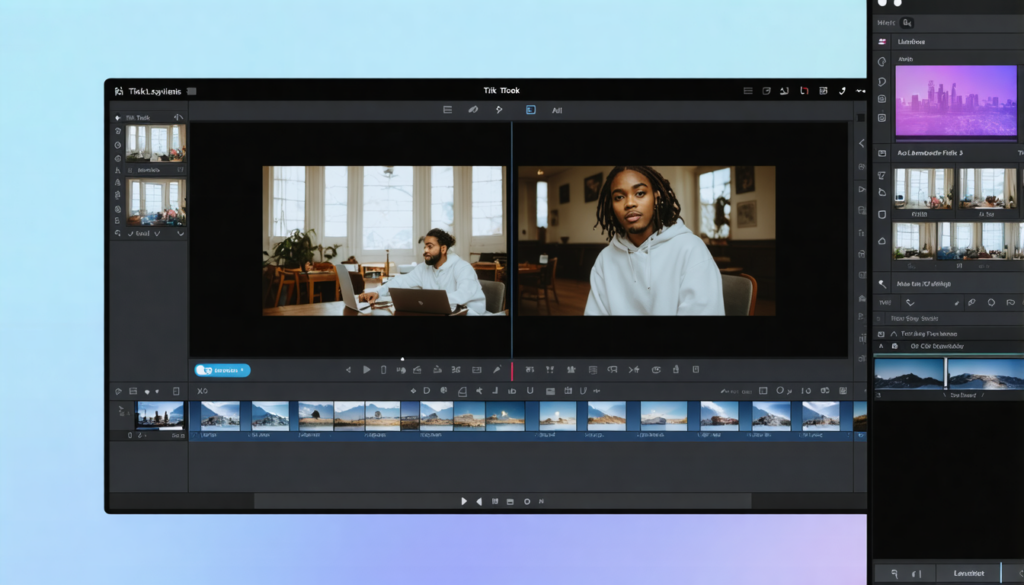
On TikTok, content consumption has radically changed in recent years. In 2026, it is no longer enough to capture attention with captivating images or sounds. A large majority of users now watch videos without turning on the sound, whether they are on public transport, at the office, or in public places. This behavior has pushed creators to adapt and make their content understandable even in silent mode. At the heart of this transformation, adding captions on TikTok videos has proven to be an essential technique. Not only do they facilitate understanding, but they also improve accessibility and multiply the chances of achieving strong audience engagement. This practical guide takes you on a journey to discover methods, tools, and best practices for integrating effective captions that propel your content to a wider audience.
Contrary to popular belief, adding subtitles no longer requires being an expert in video editing. Thanks to technological advances and the rise of artificial intelligence, several simplified solutions now allow you to quickly create synchronized, precise, and aesthetic captions. Whether you are a beginner creator, a freelance digital communicator, or a brand seeking to optimize your performance on social networks, mastering subtitle integration becomes a true strategic lever. In this context, this practical guide aims to be a comprehensive resource: from TikTok’s native features to the most advanced AI tools, including video editing tips, you will discover how to sustainably enrich your TikTok videos. Let’s dive together into the world of subtitles and their key role in creating viral and inclusive content.
- 1 Why adding captions on TikTok has become essential to boost your engagement
- 2 TikTok’s native features for generating and customizing your captions
- 3 Using video editing software for advanced control of TikTok captions
- 4 Submagic and AI tools: the new revolution for fast subtitle integration on TikTok
- 5 Essential best practices for effective subtitling on TikTok
- 6 Concrete examples of caption integration that generated viral content on TikTok
- 7 Different methods to edit your captions after publication on TikTok
- 8 The benefits of subtitle integration for social media marketing strategy
Why adding captions on TikTok has become essential to boost your engagement
In 2026, it is proven that on TikTok, a large part of videos is viewed without sound. This trend is explained by several factors: noisy environments, respect for noise-sensitive places, but also users’ desire to quickly browse through a multitude of content. In this context, captions present the obvious answer to ensure your message is delivered intact. Indeed, without subtitles, the viewer risks understanding nothing if the video is silent, or missing crucial information in the audio.
Adding these captions is not limited to simple viewing comfort, it is a true lever to increase accessibility. Hard of hearing or deaf persons, as well as those who do not perfectly master the spoken language, then find themselves included in your audience. This inclusiveness dimension is increasingly valued on social networks and can significantly enrich your community. Furthermore, captions also improve general comprehension, which extends attention span. The longer a user stays on your video, the more TikTok’s algorithm identifies this content as relevant and likely to be promoted.
Some figures illustrate this impact: according to a study conducted by TikTok in early 2026, subtitled videos get on average a 25% increase in viewing time, as well as a significant rise in comments and shares. This increased engagement makes captions indispensable, especially for those who want to maximize the virality of their videos.
In summary, here is why captions have become indispensable:
- Increased accessibility for hard of hearing people and non-French speakers
- Improved comprehension even without audio
- Better viewing time and interaction, influencing the algorithm
- Strengthening the message through synchronized subtitles
- Adaptation to current user behavior
These benefits confirm that integrating captions is now an essential element for any TikTok strategy, whether for entertainment, educational, or promotional videos.
TikTok’s native features for generating and customizing your captions
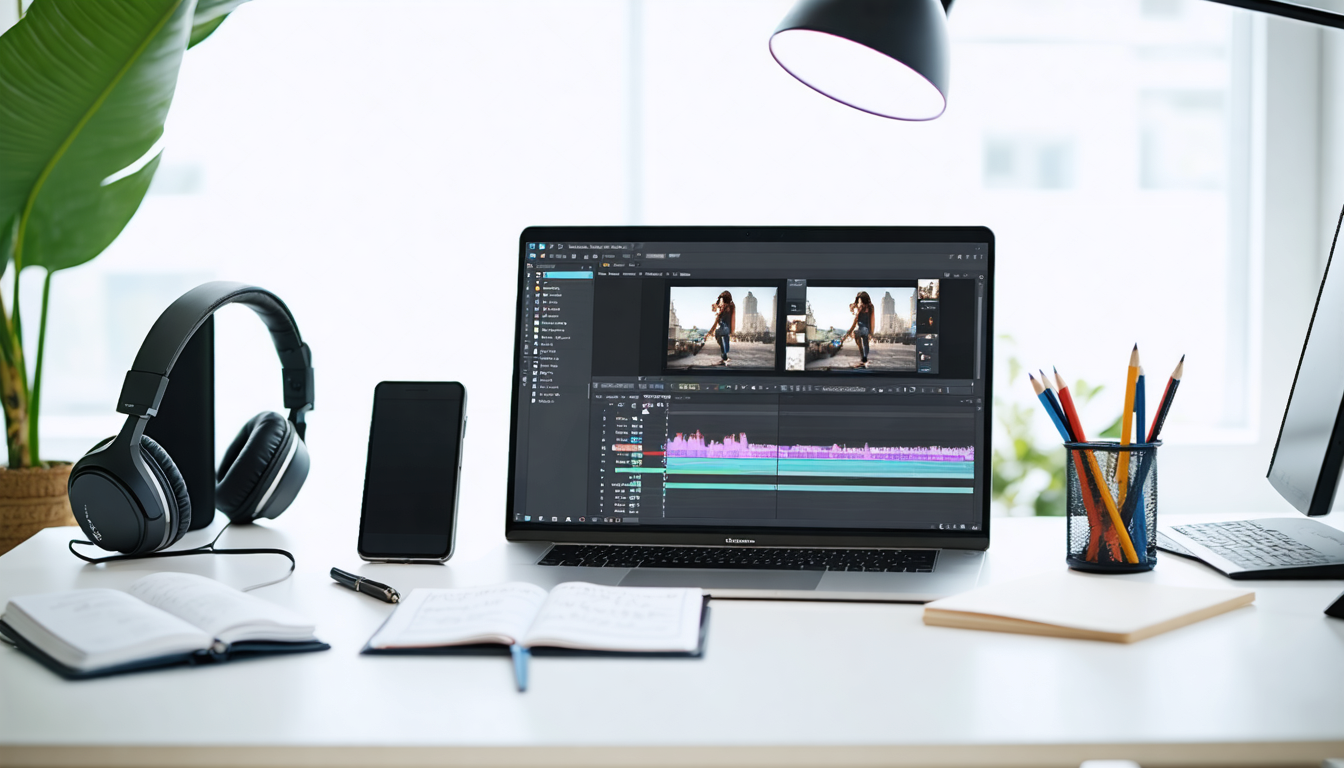
Most creators first resort to the native solution offered by TikTok to add captions to their videos. This method presents undeniable advantages, notably its simplicity and speed. After recording or importing a video, the app automatically analyzes the audio track and generates synchronized subtitles. This feature is accessible by activating the “generate captions” option in the editing interface.
Automatic generation offers several benefits:
- Ease of use, suitable for beginners
- Free of charge, directly integrated into the app
- Speed of processing and instant publishing
- Automatic synchronization with speech
However, this feature has its limits. Accuracy depends closely on sound quality, speech rate, and regional accents. Background noises can also degrade voice recognition, causing errors in the subtitles. It is therefore essential to carefully proofread and adjust the generated texts before publishing.
TikTok allows manual editing of these captions. You can correct mistakes, modify the display duration of each sentence, and adjust synchronization to achieve a smooth and professional result. However, customization options remain relatively basic: few choices of font, size, or positioning. This can quickly become limiting for creators desiring a strong visual identity.
Tips to optimize your subtitles with TikTok’s native tool
To make the most of the native tool, it is recommended to:
- Speak clearly during recording to improve voice recognition.
- Use a quiet environment to limit background noise.
- Carefully proofread and correct any mis-transcribed terms.
- Adjust the duration of caption appearance according to the video’s pace.
- Keep texts short, favoring clear and direct sentences.
When used properly, this native method is especially recommended for short videos, simple tutorials, or talking-head speeches. It allows quick optimization of accessibility while maintaining fluency in publishing.
Using video editing software for advanced control of TikTok captions
For creators with more precise requirements, notably those who publish frequently or want a polished aesthetic result, external video editing solutions remain a common choice. Software like CapCut and Filmora are particularly popular as they offer advanced control over typography, animations, and subtitle positioning.
These tools allow you to:
- Create custom subtitles in terms of font, color, size, and animations.
- Position captions precisely so as not to hide important elements of the video.
- Integrate styles to reinforce visual identity and match brand graphic guidelines.
- Work on multiple audio or video tracks for complex edits.
However, this method is more time-consuming. Creators must import the original video, add subtitles, then re-export the file before publishing it on TikTok. This process, while precise, significantly slows down the publishing pace.
It should also be noted that these software require some technical skills. For novice users, the learning curve can be steep, and some options may seem redundant. The decision to include a more complex video editing step is therefore often justified by the content’s nature, especially for marketing campaigns or high-value videos.
Submagic and AI tools: the new revolution for fast subtitle integration on TikTok
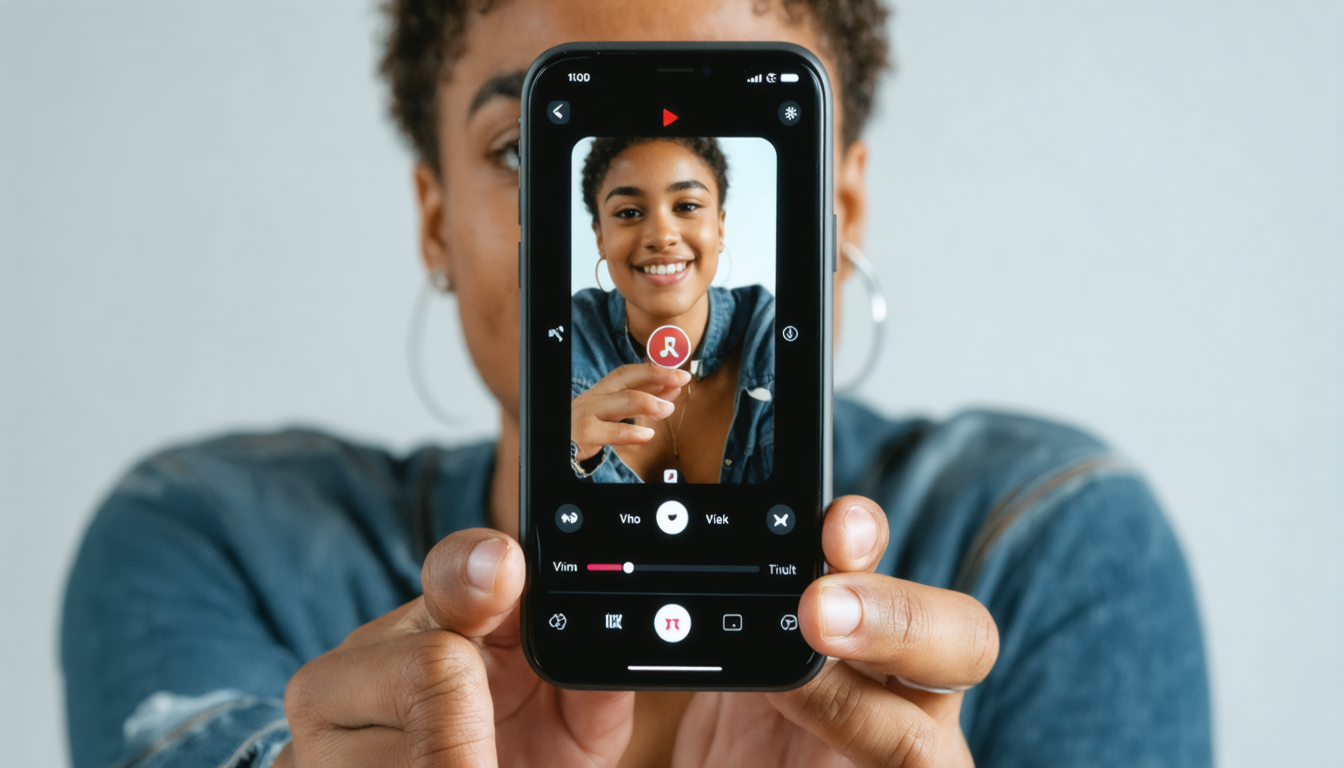
The artificial intelligence revolution has also impacted automatic subtitling, radically transforming how creators produce their videos. Platforms like Submagic embody this evolution. Their promise: combine speed, accuracy, and ease of use to generate perfectly adapted captions for TikTok’s short formats.
Submagic works by analyzing the audio track through advanced voice recognition algorithms. The tool then generates synchronized subtitles but goes further by optimizing their appearance based on rhythm, content style, and even certain visual trends popular on TikTok. This allows not only transcription but also highlighting the text in an engaging way.
Here are the main advantages this technology brings:
- Considerable time savings with near-instant generation.
- Automatic correction of common errors or misunderstood terms.
- Adaptation to TikTok’s visual codes, making subtitles attractive.
- Intuitive interface to quickly edit texts if needed.
- Free options allowing even small budgets to benefit.
In 2026, this type of tool has become essential for those who want to publish regularly without sacrificing quality or accessibility. Submagic and its competitors pave the way for viral content where subtitles are no longer a constraint, but a true asset for creativity and engagement.
Essential best practices for effective subtitling on TikTok
Integrating captions into your TikTok videos does not simply mean activating an automatic option. To truly take advantage of these subtitles, there are several golden rules to follow. These ensure that captions serve not only to inform but also to captivate attention and strengthen the message.
Clarity and legibility
The text must be easy to read at a glance, especially on smartphones where videos are viewed on small screens. It is recommended to use short and simple sentences, avoiding jargon or convoluted structures. The font size must be large enough and contrasts sharp to ensure good visibility, even in bright environments.
Synchronization with the audio
Captions must appear and disappear in sync with speech. Too long a delay or mismatch risks losing the viewer. Good subtitling follows the natural rhythm of conversation, avoiding overloads of text on the screen at the same time.
Strategic placement
It is crucial that texts do not cover important elements of the video: face, key objects, or any other relevant visual element. Placement at the bottom of the screen remains standard, but some content may require adjustment. Also avoid subtitles being cut off by the TikTok interface, such as icons or interaction buttons.
Adapt tone and language to the audience
The vocabulary used in the captions must correspond to the targeted audience, whether young, professional, or niche. Humor, informal or formal style, will be elements to modulate according to context.
Here is a summary table of the best practices:
| Element | Recommendation | Example |
|---|---|---|
| Legibility | Use large and high-contrast font | White captions on dark background or with drop shadow |
| Display duration | Synchronize with speech, avoid overloads | Two to three seconds per short sentence |
| Placement | At the bottom of the screen, away from TikTok icons | Offset if face at center or text in empty corner |
| Tone and style | Adapt according to target audience | Formal for B2B, informal for youth |
Several creators have confirmed that skillful use of subtitles produces a real viral effect. For example, Sophie, a lifestyle influencer, observed her engagement double after systematically adding clear and colorful captions. Her audience, often urban and on the move, was able to more easily follow her advice even without sound.
Another interesting case is a cosmetics brand that integrated dynamic captions with precise animations thanks to an external editing tool. This campaign generated an exceptional sharing rate, demonstrating the power of subtitling to hold attention in promotional content.
Finally, the committee of an activist organization used captions to make their awareness videos accessible to international audiences less familiar with the main language. The choice of faithful transcription and multilingual subtitles allowed broadening the message’s reach and mobilizing a larger community.
Different methods to edit your captions after publication on TikTok
It is sometimes necessary to correct or optimize captions after a video is posted. TikTok offers the possibility to edit descriptions and hashtags, but direct modification of embedded subtitles remains limited. However, several solutions exist:
- Delete and republish the video after a new edit, especially via external tools.
- Use comments to provide corrections or additional clarifications.
- Add texts or stickers in the video via TikTok’s editor to compensate for a subtitle omission.
For more advanced corrections, it is recommended to go back through video editing software, or an AI tool like Submagic, to obtain corrected and higher-quality subtitling. This process guarantees more professional content and avoids bad experiences for your audience.
Using captions in TikTok videos is not just a technical aspect: it is a fundamental element of digital marketing strategy. Subtitled content allows you to reach a wider audience, increase engagement rates, and strengthen brand image.
Brands thus use subtitles not only to transmit information, but also to:
- Enhance memorization of key messages, thanks to dual visual and auditory stimulation.
- Encourage interactions, by facilitating quick understanding.
- Increase reach in various contexts where sound is off.
- Improve accessibility in compliance with legal standards in force.
- Build an inclusive image, valued by modern consumers.
Moreover, a comparative analysis in 2026 shows that campaigns systematically integrating subtitles obtain on average:
| Indicator | With subtitles | Without subtitles |
|---|---|---|
| Engagement rate | +35% | +20% |
| Average viewing time | 22 seconds | 14 seconds |
| Number of shares | +40% | +25% |
Caption integration thus appears as a profitable and strategic effort that directly benefits visibility and success on social networks.
How to enable automatic captions on TikTok?
After recording or importing your video into the app, you can enable the automatic subtitle generation option from the editing interface before publishing.
Can automatically generated captions be edited?
Yes, TikTok allows you to correct, adjust the duration, and manually synchronize subtitles for a more professional result.
What are the best tools to easily add subtitles?
Besides TikTok’s native tool, solutions like Submagic (based on AI) or video editing software such as CapCut and Filmora offer advanced options.
Do captions really increase engagement?
Yes, subtitled videos hold attention better, improve comprehension, and generate more reactions, which is recognized by TikTok’s algorithms in 2026.
Can captions be corrected after publication?
It is not possible to directly edit embedded subtitles after publication. You will need to republish the video after modification or add texts in comments or via a new editor within TikTok.