The iOS 16.2 update has just appeared, bringing with it a series of improvements and features that promise to transform the user experience on compatible iPhone devices. Mainly intended for iPhone 11 and later models, as well as recent iPhone SE models, this new version of the Apple operating system introduces targeted changes, perfectly adapted to the expectations of users seeking fluidity, customization, and enhanced performance. From the very first seconds of use, the difference is noticeable, relying on precise adjustments that facilitate navigation and daily smartphone management.
Among the iPhone novelties that stand out most in this iOS update, we can mention the aesthetic refinement with “Liquid Glass,” a new set of customization options allowing control over the opacity of various icons and elements on the lock screen, as well as improved interactions within the Games app. The latter receives several filters to sort games, real-time displayed scores, and broader compatibility with the latest generation controllers. These changes are tangible proof that the Apple operating system is evolving to offer an ever richer experience.
At the same time, iOS 16.2 enhances iOS security and optimizes device exchanges through a new secure synchronization method via an AirDrop PIN code. The update also includes notable advances within native apps such as Podcasts, Apple News, and Apple Music, which adopt AI-supported functions for better content organization and consultation. Finally, a highly anticipated feature arrives in Europe: instant translation on AirPods, an innovation that changes the game for polyglot users and travelers.
- 1 Advanced lock screen customization with iOS 16.2
- 2 Optimization and new features of the Games app
- 3 CarPlay: streamlined Messages conversations for a simplified experience
- 4 AirDrop enhanced with PIN code system for secure transfers
- 5 Urgent level for alarms and timers: never miss your important reminders
- 6 Instant translation on AirPods, a major breakthrough for Europe
- 7 System applications: Artificial intelligence and increased utility in Podcasts, Apple News, and Apple Music
Advanced lock screen customization with iOS 16.2
With the arrival of iOS 16.2, Apple is focusing heavily on customization to make the iPhone user experience even more immersive and visual. The flagship novelty of this version lies in the Liquid Glass feature, a set of settings that allow refining the graphic appearance of elements present on the lock screen.
Concretely, this feature offers users the possibility to adjust the opacity of icons as well as that of the clock, enabling a subtle balance between visibility and aesthetics. This facilitates reading information at a glance while maintaining an elegant and modern visual effect. The Apple operating system thus adapts to the preferences and desired atmosphere of the user, whether it is reduced brightness for night or a more contrasted display in full daylight.
Moreover, the Measure app adopts the same Liquid Glass style, strengthening this aesthetic uniformity within the iOS ecosystem. iPhone users thus benefit from remarkable visual coherence between different tools, maximizing comfort of use throughout the day.
This customization resonates importantly in the 2025 technology market where differentiation often comes from the ability to finely adjust every detail of the interface. Furthermore, it responds to growing demand regarding accessibility and visual comfort, notably for people sensitive to light or with specific display adaptation needs.
To better grasp the impact, imagine a professional photographer or a content creator who can precisely control the opacity of displayed information to focus exclusively on their images without distraction, or a student using the iPhone as an organizational tool with a lock screen that perfectly reflects their style and visual needs.
This advancement confirms that iOS 16.2 not only revolutionizes the technical performance of the phone but also offers a personalized and enjoyable user experience, a significant argument for a broad base of users attentive to detail.
Optimization and new features of the Games app
The Games app benefits from special treatment in this iOS 16.2 update, consolidating the foundations laid by previous versions to offer a more modern and accessible gaming environment. With a library of games often vast on an iPhone device, quickly navigating to one’s favorite titles can become a challenge. Apple now offers new efficient filters that allow sorting games by category, size, or type, thus optimizing time spent searching and increasing the joy of playing.
Another significant improvement lies in the display of real-time scores during challenges, allowing players to track the evolution of their performance without interrupting their game. This feature fits perfectly into the highly sought-after gamification logic in modern apps, where interactivity takes precedence over passive experience.
But that’s not all: compatibility with external game controllers also advances with this new update. The iPhone better recognizes popular models like the Backbone Pro, making game control more intuitive and direct. Furthermore, on-screen commands precisely correspond to the player’s actions, significantly reducing frustration related to inappropriate settings or confusing controls.
To illustrate this aspect, consider an amateur racing game player: they will now be able to connect their Backbone Pro controller and simultaneously view active buttons, acceleration, and braking, without having to constantly adjust settings manually. This smooth synchronization between the Games app and accessories improves responsiveness and the agility needed to earn points.
In 2025, with the rise of competitive mobile gaming and gameplay streaming, these improvements represent significant added value for users, especially those using their iPhone both for leisure and shared entertainment online.
CarPlay: streamlined Messages conversations for a simplified experience
CarPlay, Apple’s in-vehicle interface dedicated to smartphone use while driving, also receives its share of improvements in the iOS 16.2 update. This time, the focus is on the Messages app, which handles our written exchanges behind the wheel—a crucial aspect for ensuring safety and transparency.
The main novelty is the ability to disable pinned conversations directly from the iPhone, a setting that then automatically reflects on the CarPlay screen. With a simple gesture, users can filter displayed discussions, leaving only those considered truly relevant or urgent visible while driving.
This improvement, far from trivial, addresses a common issue encountered by drivers: distraction caused by an abundance of notifications or non-priority conversations. By cleaning up the display, the iOS 16.2 update promotes calmer, safer driving by reducing the temptation to check the phone for nonessential exchanges.
Additionally, this synchronization between iPhone and CarPlay perfectly illustrates Apple’s philosophy of offering a smooth and consistent experience across devices. The user adjusts preferences on their main device, and these immediately propagate elsewhere, without extra configuration.
iOS security is thus reinforced, with a focus on preventing risky behaviors in a context where distractions cause a large number of accidents every year. Apple confirms here its commitment to prioritizing safety while maintaining a high level of functionality and accessibility.
AirDrop enhanced with PIN code system for secure transfers
AirDrop, Apple’s flagship technology for fast and wireless sharing between devices, benefits from a major evolution with iOS 16.2. The introduction of the PIN code system revolutionizes how devices detect and pair to exchange files.
This new mechanism allows the user to secure the connection between their iPhone and other Apple devices for a period of up to thirty days. The principle is simple yet elegant: a PIN code generates an additional security layer that removes the need to have a recorded contact or a prior connection to perform a transfer.
This system is particularly relevant in environments where multiple devices are close to each other, such as in a café, an office, or during events. It thus avoids errors in recipients or accidental transfers, while simplifying exchanges between colleagues or friends.
For example, during a professional seminar organized in a coworking space, participants can easily share documents, slides, or photos between their iPhones without fearing that someone else might inadvertently grab the files. The temporary creation of a PIN code ensures confidentiality and peace of mind.
In terms of iOS security, this update shows Apple’s ability to anticipate mobility and privacy-related needs, strengthening user trust in their iPhone and the Apple operating system.
Urgent level for alarms and timers: never miss your important reminders
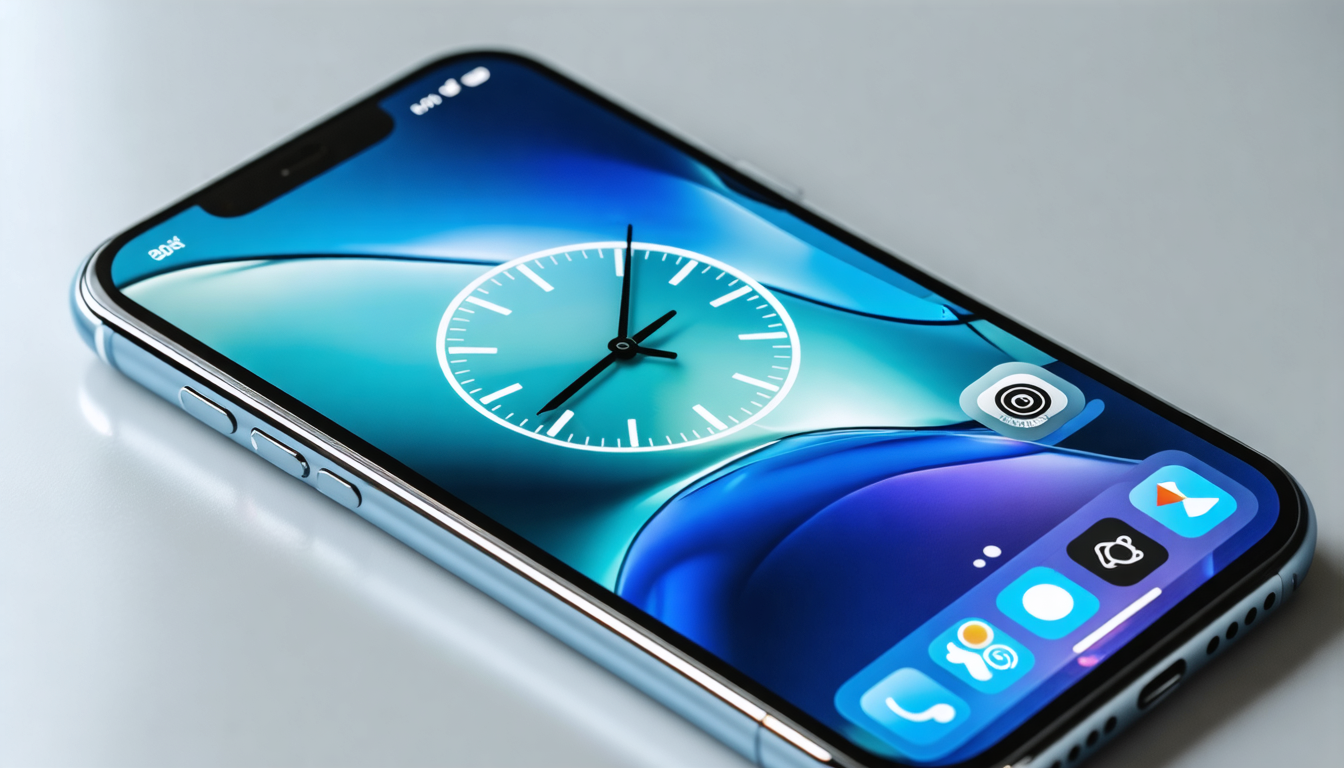
Continuing improvements focused on efficiency and time management, iOS 16.2 introduces an Urgent level for alarms and timers. This feature fits into a context where Focus modes and Do Not Disturb sometimes mute important notifications, risking missed key appointments or essential reminders.
The Urgent level ensures that certain alerts, whether one-off or recurring, override these modes, making them impossible to ignore or hide. This becomes essential in active life, where interruptions must be carefully calibrated to avoid harming productivity while maintaining optimal alertness.
For instance, a healthcare professional using their iPhone to follow a treatment or manage consultations can rely on this system to receive critical notifications even when activating a Do Not Disturb mode during examination hours.
This setting is also useful for parents managing family routines or students with busy schedules, as it prevents errors linked to forgetting important tasks often caused by silent notifications.
A list of benefits of the Urgent level:
- Automatic prioritization of essential alerts
- Compatibility with Focus and Do Not Disturb modes
- Reduction of errors linked to forgotten critical notifications
- Simplified management of busy schedules
- Improvement of well-being and productivity
This feature integrates perfectly into the iOS ecosystem, highlighting Apple’s attention to detail in meeting the current expectations of iPhone users.
Instant translation on AirPods, a major breakthrough for Europe
Apple marks a turning point in mobility and multilingual communication with the availability in Europe of instant translation via AirPods, an innovation made possible by the artificial intelligence integrated into the iPhone.
This feature, awaited for several years, allows users to converse in real time in different languages effortlessly, simply using their wireless earbuds connected to a compatible device. This solution revolutionizes travel, professional exchanges, and social interactions in an increasingly globalized world.
The system relies on Apple Intelligence to offer fluid, fast, and contextual translation, minimizing errors and misunderstandings often frequent in this type of application. Dialogues unfold naturally, transforming the iPhone and its earbuds into true personal translators.
For example, a French tourist visiting a non-French-speaking European country can now easily discuss with interlocutors without mastering the local language, greatly facilitating understanding and integration.
This novelty fits into Apple’s broader philosophy of creating seamless experiences between hardware and software, making the iPhone indispensable for users looking to communicate effectively regardless of linguistic context.
System applications: Artificial intelligence and increased utility in Podcasts, Apple News, and Apple Music
Beyond visible functions, several system apps benefit from the addition of artificial intelligence in iOS 16.2 to offer optimized use for iPhone users. Apple innovates discreetly but surely in how content is organized and presented, facilitating access to information, culture, and favorite music.
In Podcasts, AI is used to automatically generate chapters, easing navigation in long and often dense shows. Users save time by being able to precisely target content segments or group associated links, a considerable asset for avid listeners who regularly consult a wide variety of programs.
In turn, Apple News, the news app, now offers quick access to popular topics, allowing targeted monitoring based on trends and individual preferences. This update enhances the relevance of displayed news, making consultation more enriching and tailored to specific areas of interest.
Finally, Apple Music enhances offline listening by highlighting the Favorites playlist accompanied by synchronized lyrics, a particularly appreciated evolution for karaoke or simply to easily follow favorite tracks without being connected to the Internet.
Here is a table presenting an overview of the main improvements brought to the system applications:
| Application | New feature | User impact |
|---|---|---|
| Podcasts | Automatic chapter generation by AI | Facilitated navigation in long shows |
| Apple News | Quick access to popular topics | Targeted and updated monitoring |
| Apple Music | Favorites playlist with offline lyrics | Enriched listening experience accessible without network |
These optimizations demonstrate how iOS 16.2 subtly combines classic iOS features and recent artificial intelligence innovations to offer iPhone users a complete, smooth, and modern experience.