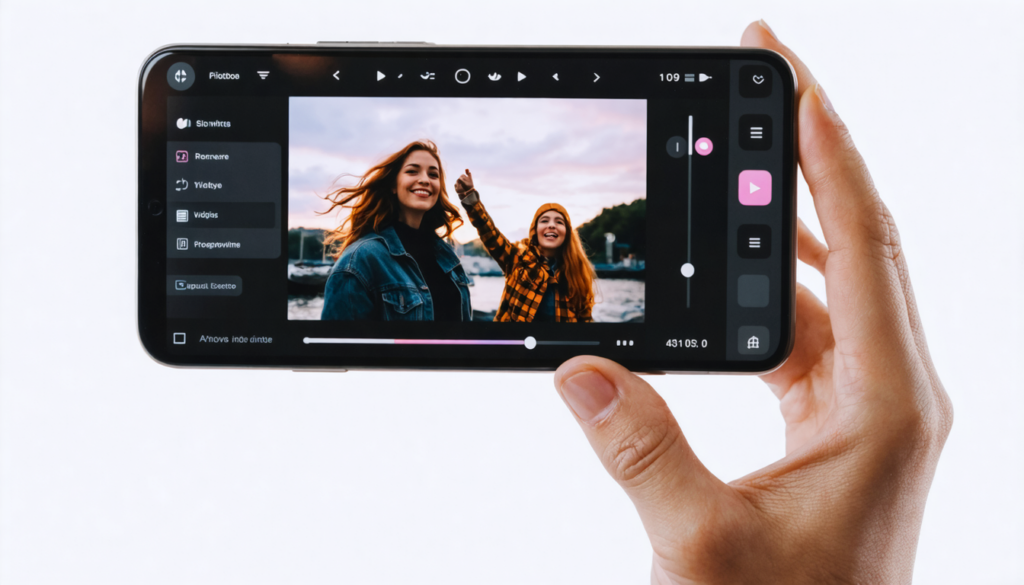
Google Photos revolutionizes the mobile experience by now offering a range of innovative tools dedicated to video editing. Far from being limited to simple management and viewing of memories, the app has evolved into a full-fledged video studio accessible on smartphones. This major evolution redefines video creation by making it more intuitive and accessible, putting a powerful arsenal in the hands of users, whether amateurs or enthusiasts. Imagine being able to manipulate your clips, choose preset templates, add music or text, and refine your videos without ever leaving the app or needing other complex software.
This transformation not only addresses a functionality issue but also the ever-growing quest for personal expression through creative editing. For years, Google Photos has established itself as a reliable companion for photo retouching and image organization. Today, it propels this expertise into the field of video editing, thus meeting the expectations of a connected generation eager for dynamic content. In 2025, faced with an explosion in video consumption and creation, Google innovates with five major tools that transform your smartphone into a professional studio.
These innovations do not merely add isolated features. They revolve around one concept: simplifying creation while enabling finely personalized video editing. Between intelligent automation and maximum control, there is now a middle ground to enhance videos and memories. This complete offering accelerates the production of polished content, ready to be shared on social, participatory platforms or simply kept in enriched digital albums.
- 1 Preset video templates: the magic of express editing in Google Photos
- 2 New universal timeline: a comprehensive dashboard for precise edits
- 3 Built-in music library: rhythm your videos without hassle
- 4 Custom text addition: tell your stories with style
- 5 Advanced clip customization: professional control in your pocket
- 6 How Google Photos establishes itself as a full video studio on mobile
- 7 Comparative study: Google Photos tools versus other mobile editing apps
- 8 2025 outlook: evolution towards increasingly accessible and creative video editing
Preset video templates: the magic of express editing in Google Photos
The first major novelty of this mobile video studio rests on preset video templates. This feature, designed for those who want to quickly produce quality edits, stands out for its ease of use. By selecting your clips, Google Photos offers a series of suitable themes that automatically integrate transitions, special effects, music, and text to give rhythm and character to the edit.
Practically, the user just has to choose a style: romantic, adventure, birthday, or even action movie, and the software assembles everything in a few moments. Each template acts like a scripted framework, designed to maximize visual and emotional impact. For example, a travel clip can be enhanced with an upbeat soundtrack and a color filter that accentuates warm tones, while a sports video will benefit from rapid transitions and dynamic titles.
This innovation notably takes advantage of embedded artificial intelligence to analyze imported sequences: face detection, important scenes, or synchronization with the musical rhythm. This automation avoids trial and error and spreads the creative effort over a solid base and a homogeneous edit. Electra, an amateur photographer, explains how this feature allowed her to generate a vibrant summary in a few minutes during her holidays without spending hours in front of her screen.
But beyond speed, these templates also provide a foundation for learning the basics of video editing. By observing how clips are arranged, it becomes easier to understand the importance of highlights, transitions, and visual continuity. In the dynamic world of video creation, Google Photos thus positions itself as a springboard toward increasingly sophisticated projects.
New universal timeline: a comprehensive dashboard for precise edits
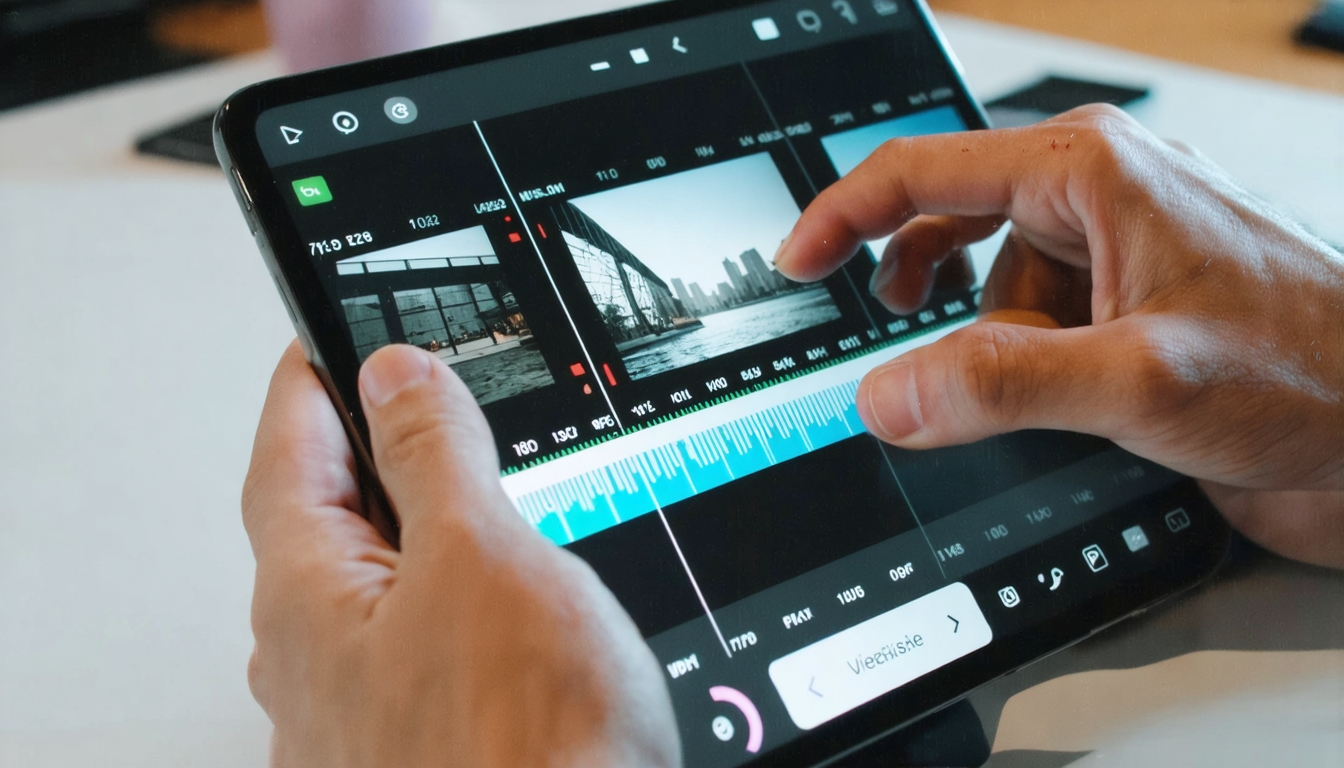
The redesigned editor of Google Photos now offers a universal timeline that radically changes how video sequences are interacted with. Forget basic editing where you could only cut or globally rearrange clips. The new editor gives you total control over every element of your video, offering a professional experience directly accessible on mobile.
The timeline functions like a dashboard where each clip can be moved, shortened, or lengthened, and adjusted individually in terms of brightness, contrast, or ambient filters. This granularity in managing sequences provides rare creative freedom for a mobile app. For example, Marcus, a lifestyle influencer, highlights how he meticulously adjusts his videos to be perfectly calibrated to his expectations before publishing them on his social networks.
Another advantage of this timeline is the built-in stabilization feature. No more shaky videos ruining a precious memory. With one click, images are corrected to offer smoothness worthy of a professional shoot. Imagine returning from a mountain hike or a concert: your handheld recorded sequences automatically become more stable and pleasant to watch.
Even more, the integrated cropping lets you modify the angle or focus of your clips without having to leave the app or use an external editor, optimizing each scene. Combining the universal timeline with filter options and photo retouching, Google Photos becomes a very complete solution to refine your videos in record time, thus freeing creativity without technical constraints.
Built-in music library: rhythm your videos without hassle
One of the major challenges for video creators is finding an adequate soundtrack that effectively accompanies their edit while respecting copyright. Google Photos addresses this problem directly with a built-in music library, designed to enrich your creations without complications.
This database offers a wide variety of royalty-free music, suitable for different types of videos: gentle atmospheres for emotional stories, sustained rhythms for sports videos, or warm melodies for family moments. You can quickly test several tracks and choose the one that best matches the spirit of your edit. For instance, Clara, an American creator, shares how the song selection helped make her travel videos even more immersive.
But what makes this feature even more interesting is its direct integration into the editing process. No need to import external tracks or worry about legal aspects: you choose, listen, and apply without leaving Google Photos. The system automatically synchronizes transitions and visual effects with the music for a harmonious and professional result.
The library is also regularly updated with new pieces to accompany current musical trends. In 2025, this feature fits into a comprehensive assistance logic that significantly reduces the time required for video creation while avoiding copyright pitfalls, often a real headache for creators.
Custom text addition: tell your stories with style
To give a real personality to their videos, users can now insert captions or titles thanks to the custom text addition tool. This feature highlights messages, explanations, comments, or punchlines, transforming simple clips into true visual narratives.
What sets this option apart is the level of customization offered. Not only can you write the text you want, but you can also choose the font, size, color, and screen position. This level of control is a major asset for those who want to fully own their videos. For example, Sophie, a food blogger, uses it to insert the names of ingredients or the steps of her recipes directly into her videos, thus facilitating the understanding of her tutorials.
The text insertion also perfectly synergizes with other editing elements, such as music or special effects. It is now easy to harmonize the whole for a coherent and visually attractive result. Moreover, the simplicity of implementation encourages creativity, even among novices.
In a world where video storytelling is gaining more and more importance, this type of tool is essential to communicate clearly while maintaining a strong and original identity. Google Photos no longer just serves as a simple video player, but becomes a true partner in building impactful narratives.
Advanced clip customization: professional control in your pocket
The fifth and final key tool of Google Photos concerns targeted editing of each clip within a project. Instead of applying uniform changes to the entire video, it is now possible to intervene individually on each segment, significantly improving the finesse and richness of the edit.
You can thus add music or text to only one clip, precisely adjust its brightness, contrast certain images, or apply specific filters, offering a visual dynamic much more interesting than classic linear edits. For example, Julien, an amateur videographer passionate about nature, details how he brightens certain forest scenes while maintaining an overall homogeneous balance in his wildlife editing.
This level of customization fits into a strong trend toward increasingly powerful mobile applications, sometimes rivaling professional computer solutions. It democratizes access to advanced video post-production by simplifying complex operations through a clean and intuitive interface. Every filmmaker, whether novice or experienced, can thus push their creativity to the maximum without excessive technical constraints.
This tool considerably enriches the possible palette to enhance videos and memories. It also allows some users to discover photo and video retouching from a new angle, better understanding the subtleties of editing, special effects, and visual balance during personal video creation or for social networks.
How Google Photos establishes itself as a full video studio on mobile
With these five innovative tools, Google Photos is no longer just a simple guardian of your memories but becomes an all-in-one video studio accessible directly from your smartphone. This transformation responds to an increasing demand for video editing apps capable of offering both ease of use and power.
This new positioning is strategic. On one hand, it appeals to amateurs who want immediate results thanks to templates and automatic options, and on the other, to more demanding users seeking precise and personalized editing via the timeline and specialized tools. This dual approach ensures a modular experience, adapting to all user profiles.
As video creation becomes a major issue on social networks, the ability to quickly produce attractive content is an important asset. Google Photos users can now cut themselves free from multiplying applications and centralize all their work within a smooth and integrated environment.
At the same time, availability on iOS and Android guarantees maximum and consistent accessibility. The portable video studio of Google Photos thus facilitates creativity everywhere and anytime, offering a suitable response to contemporary digital visual culture. This advance also confirms Google’s ambition to establish itself as a key player in the mobile multimedia creation field.
Comparative study: Google Photos tools versus other mobile editing apps
While Google Photos distinguishes itself by its new video studio positioning, it is relevant to evaluate its tools against other very popular mobile solutions such as InShot, Adobe Premiere Rush, or CapCut. This comparative table summarizes the main key features of these apps in 2025.
| Feature | Google Photos | InShot | Adobe Premiere Rush | CapCut |
|---|---|---|---|---|
| Preset video templates | Yes, integrated with AI | Yes, many | Yes, pro-level | Yes, TikTok trend |
| Universal timeline | Yes, granular manipulation | Yes, but less advanced | Yes, comprehensive | Yes, simple |
| Built-in music library | Yes, royalty-free | Partial | Yes, Creative Cloud | Yes, wide choice |
| Custom text addition | Yes, very flexible | Yes | Yes | Yes |
| Segment-by-segment editing | Yes | No | Yes | Yes |
| Video stabilization | Yes | Yes | Yes | Yes |
| iOS and Android compatibility | Yes | Yes | Yes | Yes |
This table reveals that, although Google Photos does not necessarily aim to replace the most professional tools, its hybrid positioning will satisfy many users looking for a complete solution without a steep learning curve. The native integration of these five innovative tools particularly facilitates video creation within a familiar ecosystem, where other apps often require multiple downloads and manipulations.
2025 outlook: evolution towards increasingly accessible and creative video editing
At the dawn of this new digital era, the integration of editing tools directly into mainstream apps like Google Photos reflects a real paradigm shift. Video creation is no longer limited to experts equipped with heavy software. It becomes a playground accessible to all, where artificial intelligence and automation open the way to uninhibited creativity.
Google Photos’ five tools symbolize this movement by combining simplicity, innovation, and power. They allow both sparing users from technical complexity and achieving an unprecedented level of personalization, thus encouraging richer visual experiences and the expression of a unique identity in content. By the end of the decade, one can envision an even stronger fusion between photo retouching, special effects, and video editing within a universal interface.
This trend also impacts the social and professional landscape, where videos play a central role: brand promotion, family sharing, or personal storytelling. The accessibility offered by Google Photos helps democratize this practice and could inspire other tech giants to follow the same path.
In conclusion, the rise of video studios on smartphones like Google Photos marks an important step toward a world where each user becomes the director of their own adventures, with powerful and easy-to-master tools.