With the explosion of short formats and the rise of platforms such as Instagram, TikTok, or YouTube, video viewing has become omnipresent in our daily lives. Yet, a striking statistic shows that about 85% of video content is watched without sound, often due to the environment in which the user finds themselves, such as public transport, public places, or work. Faced with this reality, adding subtitles becomes an essential lever to maximize the impact and engagement of your videos. Thanks to the rapid advances in artificial intelligence (AI), it is now possible to efficiently automate this process, even without deep technical skills.
This comprehensive and free guide accompanies you step by step to utilize automatic subtitling tools in 2026, leveraging AI-powered video editing technologies. You will learn how to add precise, synchronized, and translated subtitles in multiple languages while improving the reach and accessibility of your content. Whether you are an amateur content creator, a digital professional, or a company looking to optimize its campaigns, discover how AI-assisted video transcription transforms subtitling into a fast, simple, and fully automated task.
- 1 Why adding subtitles has become essential for your videos in 2026
- 2 The different methods to add subtitles to your videos
- 3 How AI-powered automatic subtitle generation revolutionizes video transcription
- 4 Edimakor: the all-in-one solution to subtitle your videos thanks to AI
- 5 Practical tutorial to add automatic subtitles with Edimakor
- 6 Essential tips to create impactful and accessible subtitles
- 7 The importance of accessibility and subtitles in current video trends
- 8 Keys to choosing the right automatic subtitling tool in 2026
- 8.1 How to automatically add subtitles to a video without technical skills?
- 8.2 What are the benefits of subtitles for accessibility?
- 8.3 Is it possible to automatically translate subtitles with AI?
- 8.4 What are the most used subtitle file formats?
- 8.5 What best practices should be followed for effective subtitles?
Why adding subtitles has become essential for your videos in 2026
In the current context where video content dominates digital exchanges, subtitles play a key role that goes far beyond mere transcription of speech. Indeed, they have become a pillar to promote accessibility, understanding, and SEO of your videos in a world where content is consumed massively but often in silent mode.
The primary reason why subtitles are crucial is related to universal accessibility. Deaf or hard-of-hearing people, who represent a significant portion of the global population, can now fully enjoy your videos. Similarly, people with disorders such as autism benefit from a better experience thanks to the presence of explicit texts that guide audiovisual comprehension.
Next, audience diversification requires adapting content to viewers whose native language differs from the one used in the video. Translated subtitles thus enrich the experience, promoting international reach and better cultural understanding. In 2026, AI-powered automatic subtitle translation facilitates this task by removing language barriers, making your videos accessible to global markets.
Beyond social and linguistic criteria, subtitles improve search engine optimization on platforms like Google. Indeed, algorithms now analyze the text present in subtitles, allowing your video to appear higher in results because it is better indexed. This durably strengthens your digital presence and visibility on platforms.
It is also observed that the presence of subtitles significantly increases the average time a user spends watching your content, which is essential in an era where attention spans are reduced. Subtitles contribute to better retention, deeper understanding, and overall audience engagement, a key factor for success on social networks.
Finally, from a pedagogical point of view, subtitles reinforce memorization and attention of viewers. Whether it is tutorials, online courses, or explanatory videos, video transcription offers a textual support that facilitates information assimilation.
For all these reasons, integrating automated video editing with subtitling becomes an indispensable strategy to maximize the impact of your content, whether for marketing campaigns, educational videos, or entertainment.
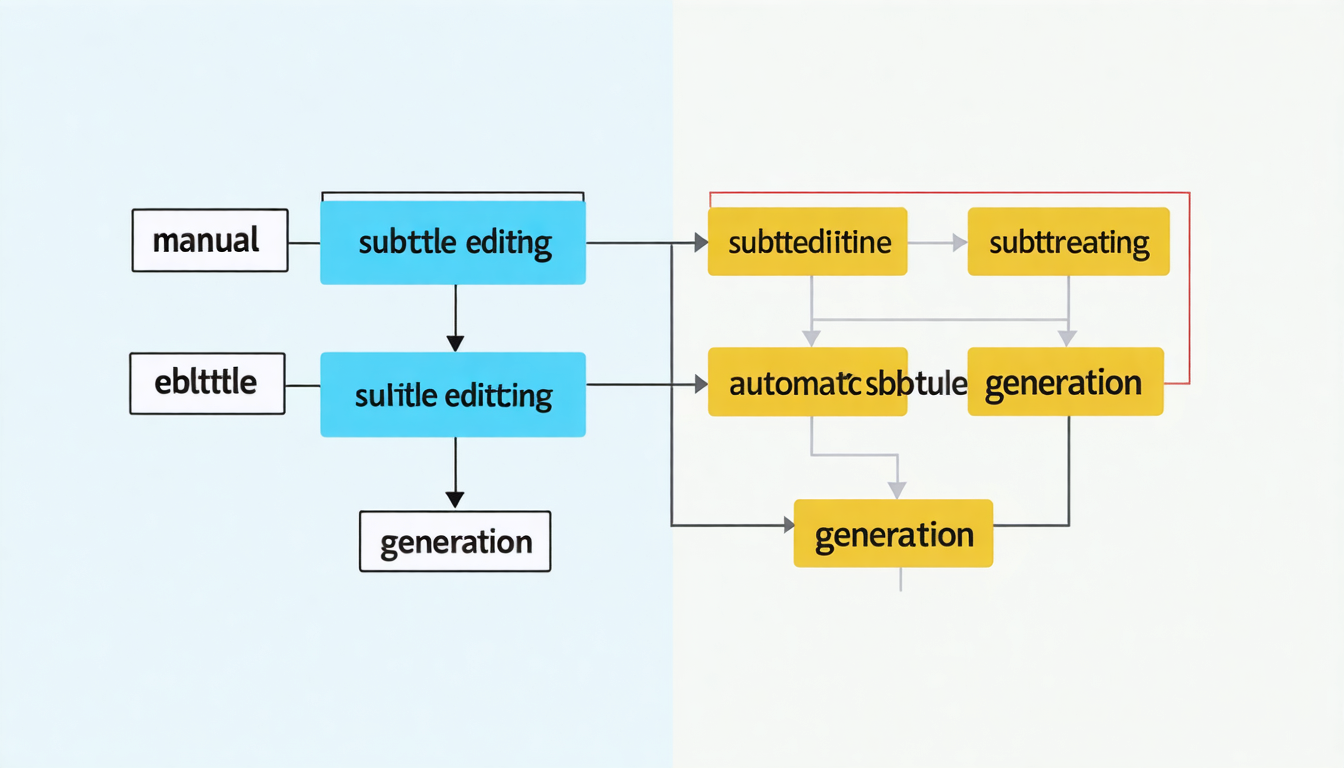
The different methods to add subtitles to your videos
If adding subtitles may seem simple, several methods exist, each adapted to different needs and profiles. Understanding these options will allow you to choose the best solution according to the nature of your content, the length of your videos, and your time or budget constraints.
Manually adding subtitles
The manual method remains popular among creators wanting total control over synchronization, formatting, and subtitle style. It involves writing each text segment by segment then precisely setting the timing for appearance and disappearance in the video.
For example, for a short promotional video or a five-minute tutorial, manual input allows perfectly adjusting timing, adding sound indications like [music] or [applause], and obtaining a personalized visual rendering. However, this technique is time-consuming and quickly becomes unsuitable for long videos or numerous productions.
Classic tools in this category include software like Aegisub, an open-source software especially appreciated for its precision, or mainstream applications like Windows Movie Maker and iMovie. These programs offer simple interfaces allowing synchronization and customization of subtitles, but the lack of automation implies sacrificing a lot of time to repetitive work.
Here is a simplified comparison table illustrating the advantages and disadvantages of this method:
| Method | Advantages | Disadvantages | Recommended tools |
|---|---|---|---|
| Manual subtitles | Complete customization, precise timing control, free | Time-consuming, tedious for long videos | Aegisub, VLC, iMovie, Windows Movie Maker |
However, this method remains recommended when textual editing quality outweighs speed, notably for artistic, cinematic projects, or videos with high-quality demands.
Using a dedicated application for quick subtitle insertion
Automatic subtitling applications have largely taken over for many creators due to ease of use and satisfactory results obtained in minimal time. These software often allow directly importing the video, typing or importing a text file, then adjusting synchronization with an intuitive interface.
The main interest of these applications lies in their user-friendly interface that does not require advanced video editing skills. They are particularly suited for short content or videos destined for social networks where publishing speed is paramount.
However, free versions sometimes face limitations such as watermark display or reduced customization options. Advanced features often remain reserved for paid subscriptions, which may discourage occasional users.
Among popular options, you will find Kapwing or VEED.io, which offer a good base for simple subtitling, as well as Clideo. For a more complete experience, Edimakor is an application that stands out by combining an accessible interface with advanced AI technology, including automatic subtitle generation and integrated translation.

How AI-powered automatic subtitle generation revolutionizes video transcription
Artificial intelligence has radically transformed the field of subtitling. In 2026, automated speech recognition offers unexpected precision, capable of handling accents, tone variations, and even dialogues mixing multiple languages.
The advantages of using AI for automatic subtitling are multiple. First, you save precious time since the software analyzes the audio track, cuts the video into synchronized segments, and produces an aligned text file in a few minutes. This multiplies productivity, especially for long videos or series of content to be regularly published.
Furthermore, AI often offers automatic multilingual translation, facilitating the dissemination of your videos beyond language boundaries. For a creator wishing to reach an international audience quickly, this technology is a considerable asset.
For example, thanks to solutions like Sonix.ai or Happy Scribe, users can upload their video files and obtain in return a very accurate subtitle file, which they can then customize. However, it is important to note that free offers may cap the number of words or limit export of certain formats.
Finally, AI technology also allows adding innovative features such as detection of important keywords, automatic insertion of emojis, or dynamic highlighting of subtitles, thus enriching the video for a young or professional audience.
Limits of automatic generation and how to overcome them
Despite numerous advantages, automation is not without flaws. Speech recognition can encounter difficulties with too much background noise, overlapping voices, or specific technical terms. Then, free versions or less advanced tools often limit the number of possible corrections to refine timing or textual content.
That is why it is recommended to combine AI with human oversight to ensure the best possible quality. Many modern tools like Edimakor already incorporate this simplified post-editing phase with an ergonomic interface allowing quick correction of errors.
Another strategy to overcome these limits is to use best practices in preparing your audio recording, reducing background noise and speaking clearly, which greatly facilitates the task of recognition algorithms.
Edimakor: the all-in-one solution to subtitle your videos thanks to AI
For those looking for a complete solution, Edimakor today stands out as the reference in AI-assisted automatic subtitling. This tool integrates an advanced speech recognition engine capable of understanding over 130 languages, making it ideal for multilingual projects as well as international content professionals.
What distinguishes Edimakor from the competition is the combination of several advanced features within a user-friendly interface. Not only does it offer automatic video transcription, but also integrated subtitle translation, management of custom styles (fonts, colors, animations), as well as export in multiple formats (MP4, SRT, VTT, ASS), ensuring optimal compatibility with all social media platforms.
Moreover, Edimakor includes innovative tools such as AI vocal cloning for dubbing, as well as a rich library of over 1,000 synthetic voices, facilitating content localization in different languages. The automatic contextual emoji generator and options to underline keywords add a dynamic dimension to subtitles, making videos even more engaging.
This solution is accessible for free with a basic version, without watermark, and offers flexible subtitle management for beginner creators as well as experienced professionals. Its success lies in its balance between technical performance, ease of use, and rich functionality.
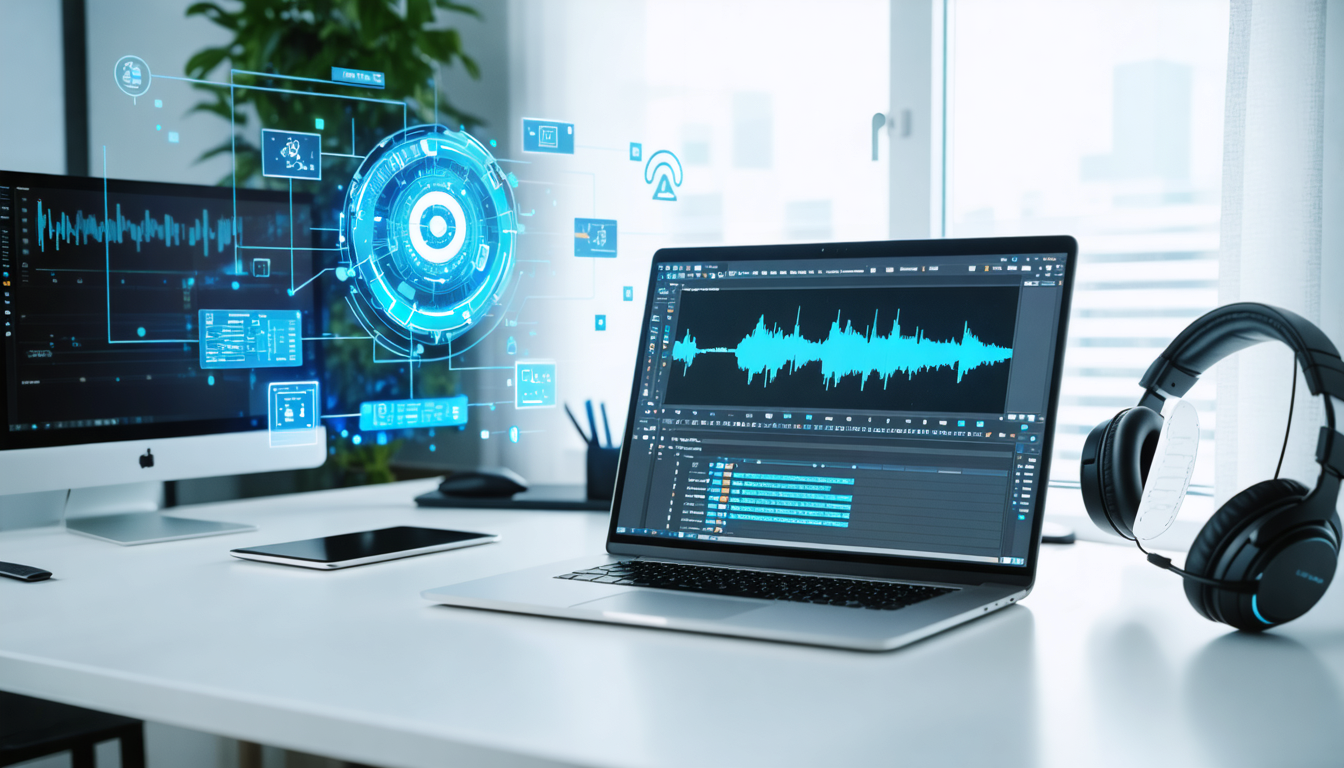
Practical tutorial to add automatic subtitles with Edimakor
To help you get the most out of Edimakor, here is a simple and quick step-by-step guide:
- Download and install the Edimakor application from its official website.
- Open the interface and select the “Auto-subtitles” option.
- Import your video by dragging and dropping or by clicking on “Import files.”
- Set the spoken language by choosing “Auto Detection” so the AI automatically analyzes the audio track.
- Choose the subtitle range: “Follow Selected Clip” to subtitle only a section or “Main Timeline” for the entire video.
- Activate automatic translation by selecting the target language according to your audience.
- Apply options like “Auto Emoji” to insert contextual emojis and “Underline” to highlight certain words.
- Select a professional style according to your preferences and start generation by clicking on “Auto subtitles.”
- Wait a few seconds, then preview the result and adjust if necessary before exporting.
This quick process puts free professional subtitles at your fingertips, customizable and perfectly adapted to captivate your audience across all networks.
Essential tips to create impactful and accessible subtitles
Subtitle effectiveness depends not only on the technology used but also on the care given to their design. Following certain best practices significantly increases clarity and impact of your videos:
- Conciseness: Limit subtitles to 1 or 2 lines maximum (15-20 words), visible for 2 to 3 seconds to follow the fast pace of mobile scrolling.
- Legibility: Prefer simple fonts like Arial or Verdana, with a size between 24 and 40 points depending on the platform. Strong contrast (white text with black outline or semi-transparent background) ensures good visibility.
- Placement: Place subtitles at the bottom of the screen, well centered or slightly offset, avoiding masking faces or important visual elements.
- Fidelity and inclusivity: Keep punctuation, reproduce tones, and indicate ambient sounds (e.g., [music], [laughter]) for an immersive and accessible experience.
- Style: Subtly integrate animations and use harmonious colors matching your graphic charter, without overloading the display to preserve the mobile experience.
Following these recommendations guarantees you a neat production that captivates your audience while respecting accessibility standards and modern digital marketing requirements.
The importance of accessibility and subtitles in current video trends
As video consumption evolves, accessibility issues become increasingly central. In 2026, platforms like YouTube, Instagram, and TikTok actively encourage the creation of subtitled content to broaden their audience while respecting legal and ethical standards.
Subtitles, combined with AI for videos, represent a bridge between different audiences and an effective means for brands and creators to achieve optimal engagement. Moreover, they facilitate quick consumption on mobile devices, in noisy or silent environments.
For example, a successful online advertising campaign shows a notable increase in interactions as soon as the video includes multilingual subtitles, allowing to reach varied geographic areas while maintaining coherence and high communication quality.
By integrating video transcription and automated subtitling into their workflow, professionals also gain productivity, reducing production time while increasing final quality.
This trend also materializes in annual digital media reports, where accessible content consistently generates more views, better retention rates, and higher return on investment.
Keys to choosing the right automatic subtitling tool in 2026
Faced with the multitude of tools available on the market, it can be difficult to identify the solution best suited to your specific needs. Several criteria should guide your selection:
- Speech recognition accuracy: The tool must offer reliable transcription even with accents or technical vocabulary.
- Multilingualism: The capacity to support multiple languages, as well as integrated translation options, is crucial.
- Customization: Various choices of styles, colors, sizes, and effects to adapt subtitles to your visual identity and video format.
- Compatibility: Support for main import and export formats (MP4, SRT, VTT, ASS) to ensure smooth distribution across all platforms.
- User interface: An intuitive interface facilitates ease of use, especially for non-specialist creators.
- Free limits and pricing: Knowing the features available for free and comparing paid offers to choose the best value for money.
A summary table of key features of some popular tools:
| Tool | Speech Recognition | Integrated Translation | Subtitle Customization | Export Formats | Free Version |
|---|---|---|---|---|---|
| Edimakor | Excellent (130+ languages) | Yes, automatic multilingual | Advanced (animations, styles) | MP4, SRT, VTT, ASS | Yes, no watermark |
| VEED.io | Good | Yes, limited | Basic | MP4, SRT | Yes, with watermark |
| Kapwing | Average | No | Basic | MP4, SRT | Yes, with limitations |
| Happy Scribe | Good | Yes | Moderate | SRT, VTT | No |
Depending on your expectations, choose a platform that offers a good balance between accuracy, speed, and customization.
How to automatically add subtitles to a video without technical skills?
To add subtitles automatically, use a video editing application equipped with AI like Edimakor. Import your video, select the language, then let the tool generate the subtitles. You can then adjust the style and synchronize if necessary.
What are the benefits of subtitles for accessibility?
Subtitles make your videos accessible to deaf or hard-of-hearing people. They also improve understanding for non-native users and in situations where sound is off.
Is it possible to automatically translate subtitles with AI?
Yes, many tools like Edimakor integrate automatic subtitle translation, allowing to broadcast multilingual videos without extra manual effort.
What are the most used subtitle file formats?
The most common formats are SRT, VTT, and ASS. They are compatible with most platforms like YouTube, Instagram, Facebook, and ensure easy subtitle integration.
What best practices should be followed for effective subtitles?
Keep subtitles short, use a readable font, place them without hiding faces, respect punctuation and sounds, and add subtle visual elements to improve engagement.