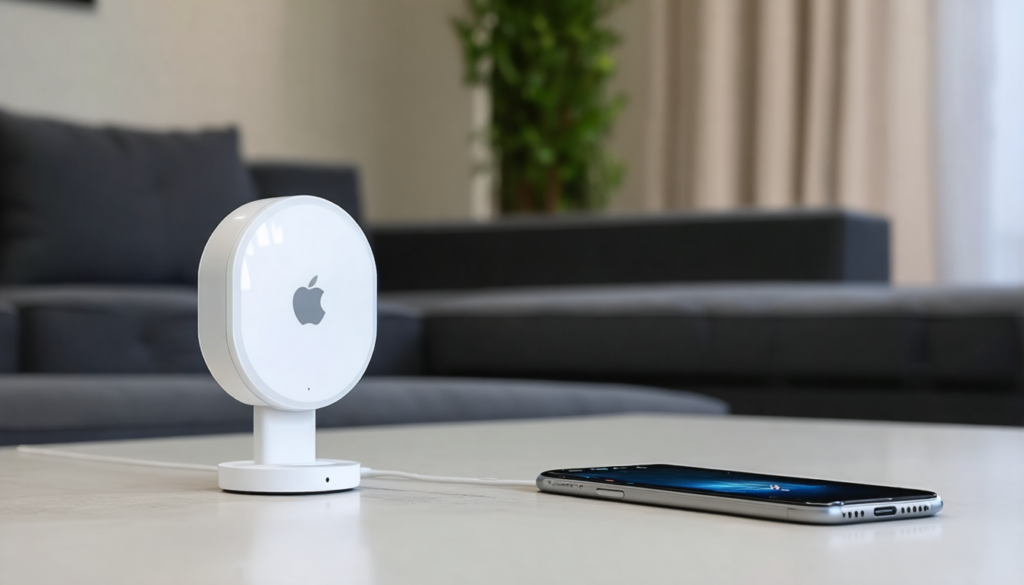
With the launch of the AirTag 2, Apple once again redefines the way we perceive tracking and locating our everyday objects. This new device promises enhanced features, better accuracy, and a smoother user experience. However, this upgrade does not concern all iPhones. The technical requirements are stricter, and it is essential to know if your device is truly capable of supporting this new generation before purchasing it.
In a world where connected objects are becoming ubiquitous, Apple bets on the synergy between its new AirTag 2 and a compatible iPhone to guarantee excellent Apple location services. This interaction goes beyond simply having Bluetooth enabled: it relies on deep integration through the appropriate iOS update and technologies such as the latest generation ultra-wideband (UWB) chip. Understanding iPhone readiness criteria, knowing how to proceed with the proper AirTag configuration, and mastering the Find My app are now essential to fully exploit this engineering gem.
In the following sections, discover which iPhone models can host the AirTag 2, the impact of different UWB chips on location, the advantages of the optimized speaker sound, and compatibility with the Apple Watch. We will also explore practical tips to ensure a flawless AirTag connection and how the Apple ecosystem has adapted to enhance security and privacy, notably with the Anti-Stalking 2.0 features.
- 1 Comprehensive list of iPhones compatible with AirTag 2 and iOS requirements
- 2 The ultra-wideband (UWB) chip: engine of advanced location for recent iPhones
- 3 How to activate and configure your AirTag 2 with a compatible iPhone
- 4 Precise location feature and its limits depending on iPhone type
- 5 Sound improvements of the AirTag 2: a more powerful speaker to alert you better
- 6 Enhanced integration with the Apple Watch: wrist support
- 7 Security and privacy: the anti-tracking advances of AirTag 2
- 8 Practical tips to ensure a smooth AirTag connection and fully exploit its features
Comprehensive list of iPhones compatible with AirTag 2 and iOS requirements
The arrival of AirTag 2 updates the hardware and software compatibility requirements. To benefit from all its features, your iPhone must run at least iOS 26, a recently released version that integrates specific optimizations to take advantage of the device’s new chip.
Technically, only models starting from the iPhone 11 are supported. Older generations, no matter how performant they may be in other areas, will not be able to ensure a stable AirTag connection nor benefit from maximum precise location. This limitation imposes a strict selection for users wishing to invest in this second version.
Here is the summary table of compatible iPhones:
| Model | Release Year | Minimum iOS Support |
AirTag 2 Compatibility |
|---|---|---|---|
| iPhone 11, 11 Pro, 11 Pro Max | 2019 | iOS 26 | Yes |
| iPhone SE (2020), iPhone SE (2022) | 2020 / 2022 | iOS 26 | Yes |
| iPhone 12, 12 mini, 12 Pro, 12 Pro Max | 2020 | iOS 26 | Yes |
| iPhone 13, 13 mini, 13 Pro, 13 Pro Max | 2021 | iOS 26 | Yes |
| iPhone 14, 14 Plus, 14 Pro, 14 Pro Max | 2022 | iOS 26 | Yes |
| iPhone 15, 15 Plus, 15 Pro, 15 Pro Max | 2023 | iOS 26 | Yes |
| iPhone 16, 16 Plus, 16 Pro, 16 Pro Max | 2024 | iOS 26 | Yes |
| iPhone 17, 17 Pro, 17 Pro Max | 2025 | iOS 26 | Yes |
On the other hand, Apple no longer offers the original AirTag for sale, making it difficult to fully exploit AirTags on older iPhone models. This strategic choice highlights the importance of preparing your iPhone to be physically and software-compatible with the new AirTag.
The ultra-wideband (UWB) chip: engine of advanced location for recent iPhones
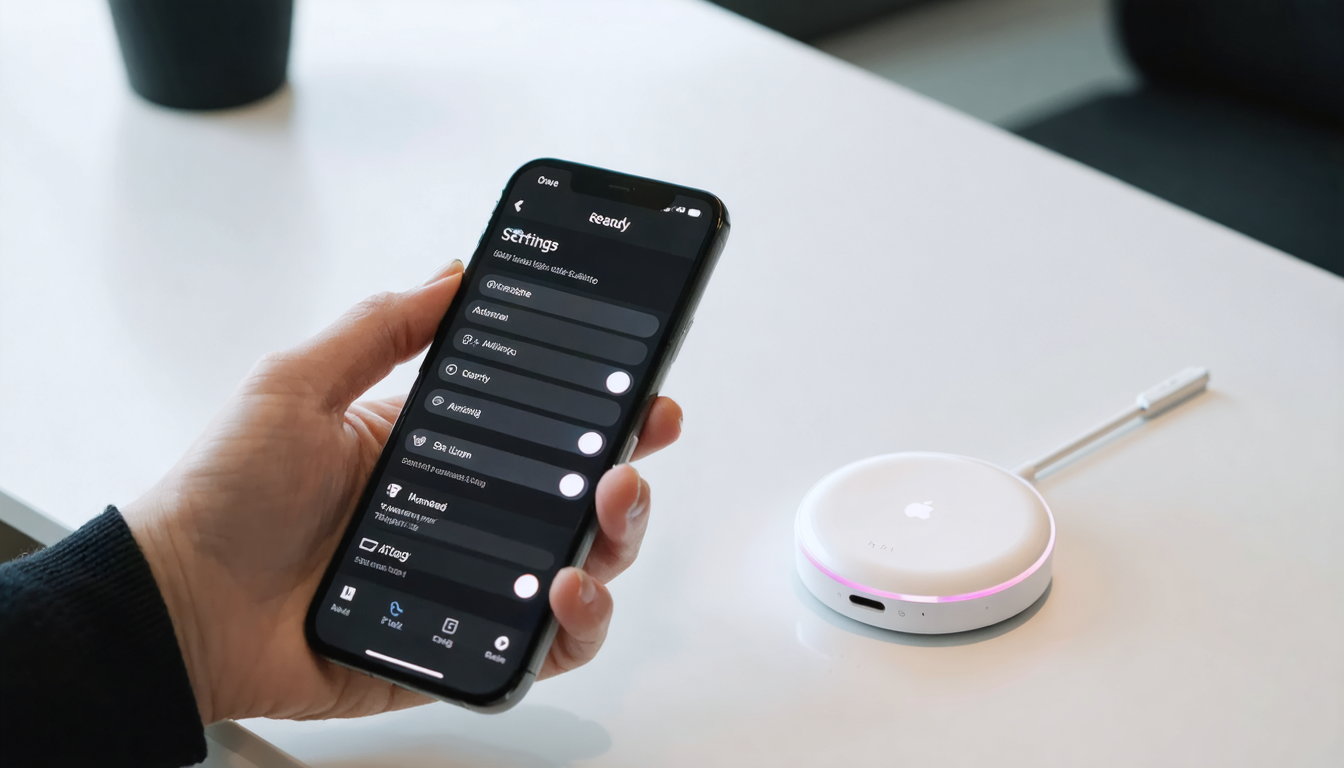
The real technological asset of the AirTag 2 is its second-generation UWB chip, an innovation that offers up to 50% more range in precise location compared to the first version. This enhancement revolutionizes how the iPhone detects and guides to the AirTag, providing a smoother and more reliable experience.
However, to fully benefit from this technological jump, the iPhone must possess the latest onboard UWB chip, present only on certain recent models. This technical point clearly divides users:
- Models with UWB 2.0: iPhone 15, 15 Pro, 16 Pro, 17 Pro, as well as the Air iPhone version, all compatible with the full potential of AirTag 2.
- Models without UWB 2.0 or with a first-generation UWB chip: iPhone 11 to 14, iPhone 16 is not compatible with this chip’s latest version.
This technical segmentation means that even a recent iPhone running iOS 26 will not benefit from the full range offered by AirTag 2 if it does not have the UWB 2.0 chip. For these devices, the location function remains active but with the same range as the original AirTag, approximately nine meters.
Apple emphasizes this technology by announcing that it could become a standard for geolocation in the coming years, expanding applications beyond simple AirTags to other Apple accessories and various connected objects. This important perspective gives a vision of the future of smart objects, where precision and speed of location become key elements.
How to activate and configure your AirTag 2 with a compatible iPhone
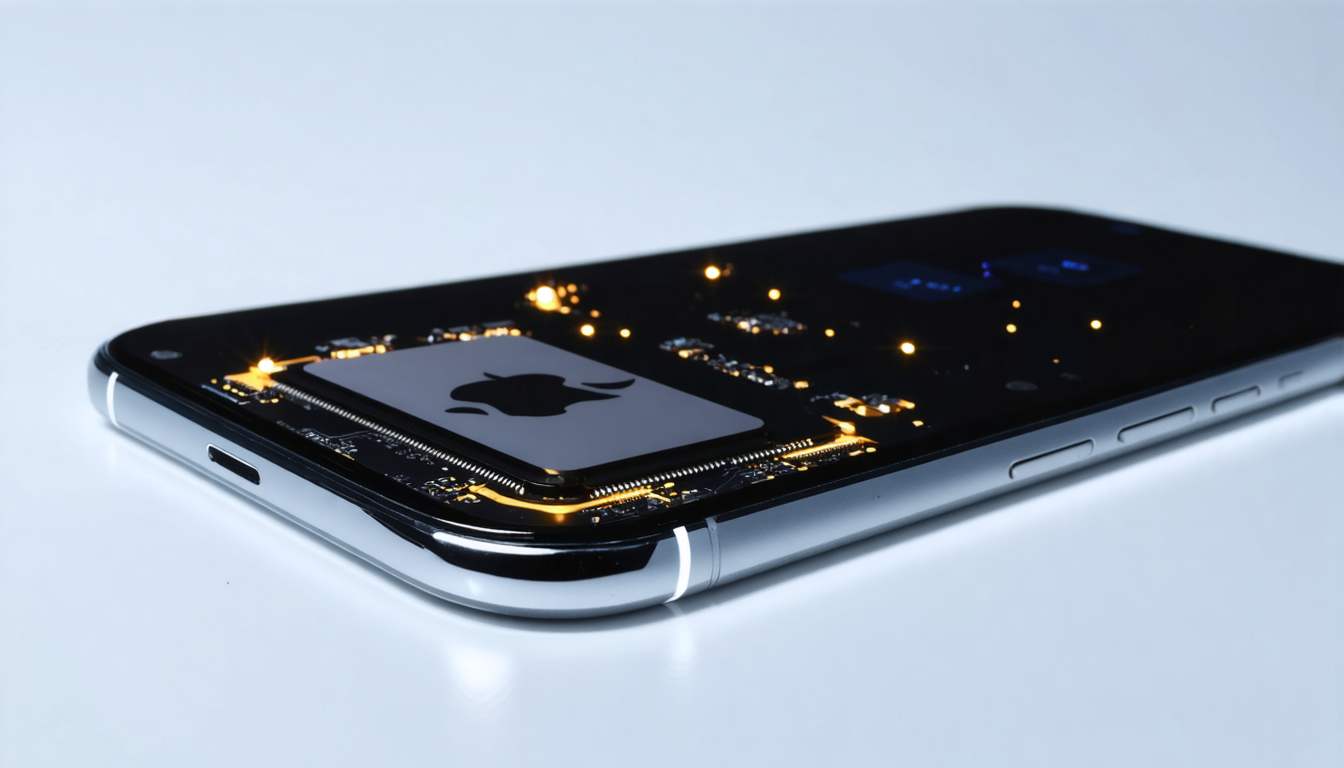
To start an effective AirTag connection, iPhone preparation is crucial. It begins by ensuring Bluetooth is enabled, the iPhone is updated via the iOS update 26 or later, and the phone is near the AirTag 2. Once these conditions are met, the user simply needs to hold the AirTag close to the iPhone so that the Find My app automatically recognizes the device and displays a connection notification.
The configuration process exemplifies the characteristic simplicity of Apple products:
- Make sure Bluetooth and location services are enabled on your iPhone.
- Update your iPhone to iOS 26 or higher via Settings > General > Software Update.
- Bring the AirTag 2 close to your phone, and a pop-up will promptly appear.
- Follow the on-screen instructions to pair the AirTag with your Apple ID.
- Assign a distinct name to your AirTag to facilitate tracking.
- Confirm the setup; the AirTag will appear in your Find My app.
Once the connection is established, the AirTag automatically syncs with the Apple account, allowing the use of all Apple location features present in the Find My app. Each object is now trackable in real time with precise guidance and alerts, maximizing the chances of quick recovery.
Note that for users with multiple AirTags, the procedure remains the same, the main difference being the management of multiple objects in the application, each device benefiting from its own tracking profile.
Precise location feature and its limits depending on iPhone type
At the heart of the AirTag 2 experience lies the precise location feature. It guides the user within a few centimeters to find their object, an advancement based on data exchange via UWB and sensors integrated into the iPhone. However, this functionality is fully expressed only when the iPhone is physically compatible with the second-generation UWB chip.
Devices equipped with the UWB 2 chip can exploit the increased range, offering a wider action field that can extend up to 50% more than the previous version. This means, for example, that an iPhone 17 Pro can locate an AirTag even at greater distance while providing reliable and clear guidance.
Conversely, models without this chip are confined to the classic perimeter, estimated around nine meters. This difference can prove crucial in situations where distance and precision are decisive, notably in open or cluttered spaces.
Despite these limitations, location remains always active for all devices compatible with iOS 26, ensuring universal functionality even if it does not benefit from the latest improvements.
Sound improvements of the AirTag 2: a more powerful speaker to alert you better
One of the most noticed aspects of the AirTag 2 is the integrated speaker, optimized to be 50% louder than on the previous model. This evolution results in louder and more distinct sound alerts, crucial when searching for an AirTag in a noisy environment or when it is hidden under heavy objects.
The acoustic improvement provides additional comfort, making the localization process tangible even when visual guidance is insufficient or when the phone is far away. The sound function then acts as reinforcement on the spot, giving a clear and audible signal several meters away in various everyday situations.
Users report that in urban or indoor environments, the alert becomes significantly more noticeable, greatly reducing time spent searching for an object. This advancement is particularly valuable for easily lost objects such as keys, bags, or wallets.
Enhanced integration with the Apple Watch: wrist support
For those also using an Apple Watch, the second generation AirTag brings improved synchronization and support. Recent models like the Apple Watch Series 9 and Apple Watch Ultra 2 also feature the UWB 2 chip, greatly increasing tracking capabilities directly on the wrist.
This update, however, requires watchOS 26.2.1 or later. With all these conditions met, the watch can now play a major role by guiding the user to their AirTag with the same precision as the iPhone. Alerts and notifications are delivered simultaneously from both devices, thus offering a very convenient dual alert system.
The advantage is clear: you do not necessarily need to consult your phone to track your AirTag. The Apple Watch provides immediacy and discretion while staying connected to the Apple ecosystem. This has positive impacts on mobility and responsiveness when searching for a lost object.
Security and privacy: the anti-tracking advances of AirTag 2
Apple has always taken great care to protect its users against abusive uses of its technologies, particularly concerning unwanted tracking. AirTag 2 continues this approach with the Anti-Stalking 2.0 feature, integrated into its core design and required by the latest iOS versions.
Thanks to this system, a compatible iPhone will receive an alert if an unknown AirTag moves regularly with it for some time. This mechanism protects users’ privacy by avoiding tracking risks by malicious third parties. The AirTag connection is automatically verified to prevent any abusive intrusion.
This enhanced security works alongside notifications in the Find My app, adding an additional layer of vigilance. This approach reassures both individuals and professionals, strengthening trust in the Apple ecosystem for object tracking.
Practical tips to ensure a smooth AirTag connection and fully exploit its features
To maximize your experience with AirTag 2, some good practices should be adopted from the iPhone preparation phase:
- Systematically check the iOS update: no AirTag 2 can be connected without iOS 26 or higher.
- Activate Bluetooth: essential for initial recognition and continuous tracking.
- Regularly reopen the Find My app: monitor the status of your AirTags and security notifications.
- Keep your AirTag in accessible places: avoid airtight confinements or surrounded by metallic objects that could affect the signal.
- Pair your AirTag quickly: the connection protocol is simplified but must be done early to avoid erratic detection.
- Use the Apple Watch as a complement: to benefit from wrist guidance and instant notifications.
By adopting these habits, your AirTag 2 becomes a reliable and efficient assistant daily, capable of alerting, locating, and guiding your important objects with precision. The AirTag connection integrates into a seamless ecosystem serving a modern connected lifestyle.