

In a world where digital technology reigns supreme, the USB stick retains an essential place despite the rapid rise of online storage solutions. Compact, practical, and efficient, it often combines portability and speed to meet the varied needs of users, whether individuals or professionals. Faced with the multiplication of formats and technologies, choosing the right USB stick can seem complex. Yet, a careful analysis of fundamental criteria such as storage capacity, transfer speed, data security, and durability reveals the optimization potential represented by this small device.
In modern offices, the USB stick is more than just a transfer device; it becomes a multifunctional tool, fitting into a hybrid logic that combines physical storage and cloud services. This versatility has reinforced its role as an indispensable complement in hybrid and mobile work environments. At the same time, growing environmental awareness pushes all stakeholders, manufacturers and users alike, to move toward more sustainable and responsible models, incorporating recycled materials and environmentally friendly technologies.
- 1 USB stick and storage capacity: how to choose the ideal size for your digital needs
- 2 Transfer speed: understanding the impact of the USB interface on performance
- 3 Compatibility and formatting: ensuring interoperability of your USB stick
- 4 Durability and build quality: why prioritize a robust USB stick
- 5 Data security on USB stick: protecting against loss and theft of information
- 6 The best tips for formatting and maintaining your USB stick effectively
- 7 USB stick and cost reduction: an economical choice for professionals
- 8 Environmental commitment: choosing an eco-friendly USB stick
USB stick and storage capacity: how to choose the ideal size for your digital needs
Choosing the storage capacity of a USB stick is a primary major challenge when selecting this USB device. Usage varies greatly depending on user profiles and their specific needs. For those whose needs are limited to saving standard office documents such as Word, Excel, or PowerPoint files, as well as some light multimedia files, a USB stick with a capacity between 16 and 64 GB is generally sufficient.
For professionals dealing with large files, such as high-definition images, videos, software, or databases, the required space increases rapidly. Models offering between 128 GB and 256 GB effectively meet these use cases. It is also possible to opt for sticks exceeding a terabyte to store very large volumes of data, but these models are more aimed at a specific audience, often in the field of audiovisual creation or advanced computing.
Criteria to consider when defining the optimal capacity
- Nature of files to store: light documents or heavy media influence the necessary capacity.
- Usage frequency: temporary or permanent storage impacts space needs.
- Mobility and portability: a small capacity stick is often more compact and lightweight.
- Budget: the higher the capacity, the higher the cost may be, although prices tend to decrease in 2025.
- Compatibility with other devices: some devices limit recognition of very high-capacity sticks.
It is also important to perform proper formatting adapted to the main operating system to ensure the best possible compatibility. The choice of file systems such as FAT32, exFAT, or NTFS affects the maximum file size transferable and access speed.
| Capacity | Recommended use | Important notes |
|---|---|---|
| 8 GB to 16 GB | Office documents and small multimedia files | Suitable for light and mobile use, low cost |
| 32 GB to 64 GB | Common professional use, storage of presentations and photos | Good compromise between capacity and portability |
| 128 GB to 256 GB | Large data, HD multimedia, regular backups | Ideal for demanding users, higher price |
| 512 GB and above | Intensive work with large files, massive storage | Targets a specialized audience, possible compatibility limits |
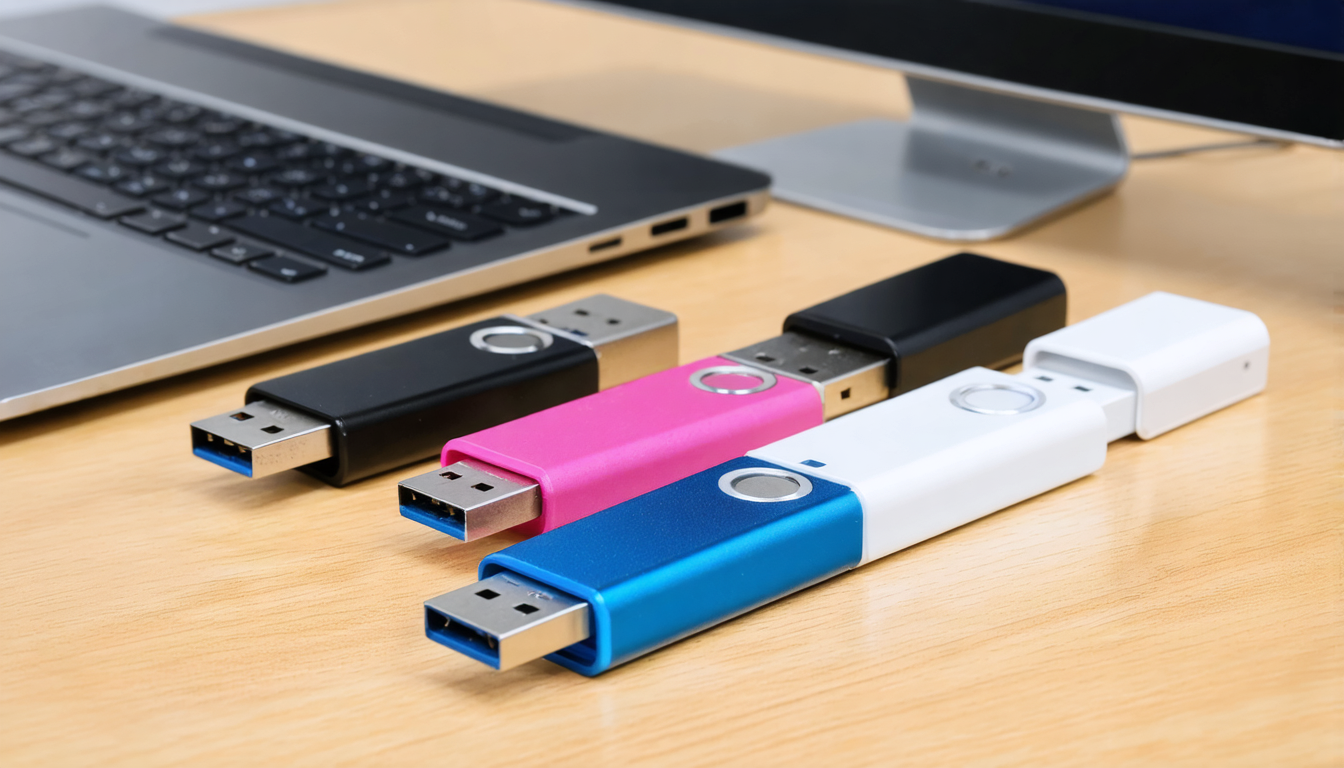
Transfer speed: understanding the impact of the USB interface on performance
In 2025, transfer speed remains a key criterion in choosing a USB stick. It depends mainly on the USB standard supported by the stick as well as by the host device (computer, tablet, console, etc.). Technological advances have significantly increased this speed over the years, making backup and transfer operations much smoother and faster.
The USB 2.0 standard remains common but is limited to about 60 MB/s in theoretical maximum throughput, a bottleneck when dealing with current large files. It is therefore better suited for transferring light files or occasional use. In contrast, USB sticks equipped with USB 3.0, 3.1, and 3.2 standards offer theoretical speeds that can exceed 600 MB/s depending on the model, ensuring a much more efficient user experience.
What are the factors influencing speed?
- USB device version: USB 3.0 and later versions are essential for optimal performance.
- Controller and internal memory: quality of integrated components determining real throughput.
- Cables and host device ports: compatibility with the USB interface to avoid limiting speed.
- Type of files transferred: multiple small files generally slow down transfers compared to large single files.
- Software and systems used: driver optimization and bandwidth management.
For intense professional use, aiming for a USB 3.2 stick is wise, especially if combined with a recent laptop with compatible ports. This allows efficient work on large files and reduces downtime.
| USB Standard | Theoretical Speed | Recommended use case |
|---|---|---|
| USB 2.0 | up to 60 MB/s | Basic use, light documents |
| USB 3.0 | up to 600 MB/s | Versatile transfers, HD multimedia |
| USB 3.1 / 3.2 | up to 1250 MB/s or more | Intensive work, large files, 4K multimedia |
Compatibility and formatting: ensuring interoperability of your USB stick
Compatibility is an often underestimated element when choosing a USB device. Indeed, a USB stick can function differently depending on the operating system or device used. Windows, macOS, Linux, or even some embedded systems (smart TVs, game consoles, industrial equipment) may have specific requirements regarding recognition and formatting.
File systems and their impact on compatibility
- FAT32: universal format compatible with almost all devices but limited to files of maximum 4 GB.
- exFAT: removes file size limit, widely supported by modern systems, ideal for large files.
- NTFS: efficient and secure under Windows but sometimes read-only on macOS and Linux without specific software.
- HFS+ and APFS: Apple formats, only useful on macOS, but natively incompatible with Windows.
By choosing a suitable file system, one ensures that the USB stick will be usable on the majority of devices, particularly in a professional multi-platform context.
| File System | Advantages | Disadvantages |
|---|---|---|
| FAT32 | Universal compatibility | File size limit of 4 GB |
| exFAT | No size limit, compatible with Windows and macOS | May be less supported on older devices |
| NTFS | Advanced file management, security | Read-only on macOS/Linux without apps |
| APFS/HFS+ | Optimized for macOS | Not compatible with Windows without utilities |
Good initial formatting management and regular firmware updates of USB devices facilitate interoperability and prevent many disappointments.
Durability and build quality: why prioritize a robust USB stick
The durability of a USB stick is often an underestimated criterion when purchasing, although it determines the portable storage lifespan and the reliability of backups on a daily basis. A traveling professional, for example, frequently exposed to relocations, will benefit from prioritizing a USB stick with a shock- and water-resistant casing.
Sticks with metal shells or reinforced designs offer better protection against repeated handling and transport hazards. Some are certified IP67, attesting to resistance to dust and temporary immersion.
How to identify a durable USB stick?
- Materials used: metal, aluminum, or reinforced plastic.
- IP certification: protection against dust and water.
- Opening mechanism: solid or retractable cap to protect the connector.
- Manufacturer warranty: warranty period often correlated with quality.
- Resistance to extreme temperatures: useful in varied environments.
| Case type | Advantages | Disadvantages |
|---|---|---|
| Basic plastic case | Lightweight, low cost | Fragile, sensitive to shocks |
| Metal case | Very resistant, elegant design | Sometimes heavier, higher price |
| Reinforced IP67 case | Waterproof, protected against dust | Higher price, bulky |
By prioritizing a durable USB stick, the user optimizes data security and limits the risk of failure, while benefiting from a long-term investment.
Data security on USB stick: protecting against loss and theft of information
Data security stored on a USB stick remains a major issue. Due to its small size and portability, the USB stick can be easily lost or stolen, thus exposing sensitive information. This vulnerability requires adopting specific measures to guarantee confidentiality and data integrity.
Many modern USB sticks now incorporate enhanced security solutions such as hardware encryption, password protection, or even biometrics. There are also third-party software options providing encryption and device locking features. These tools prevent any unauthorized access even in case of loss.
Practical tips to protect your data
- Use sticks with hardware encryption: protects files without relying on external software.
- Set up complex passwords: to prevent any unauthorized access.
- Perform regular backups: limit the impact of a possible loss.
- Avoid using unsecured USB sticks on public computers: increased risk of infections or theft.
- Use antivirus and scan sticks after each use: prevent the spread of malware.
| Security measure | Advantage | Limit |
|---|---|---|
| Hardware encryption | Strong protection, system-independent | Higher price |
| Software password | Ease of use | Vulnerable to software flaws |
| Multiple backup | Reduces risk of permanent loss | Requires user discipline |
| Antivirus | Malware prevention | Does not protect against physical theft |
By combining these good practices, everyone can optimize the security of their data while enjoying the convenience of portable storage.
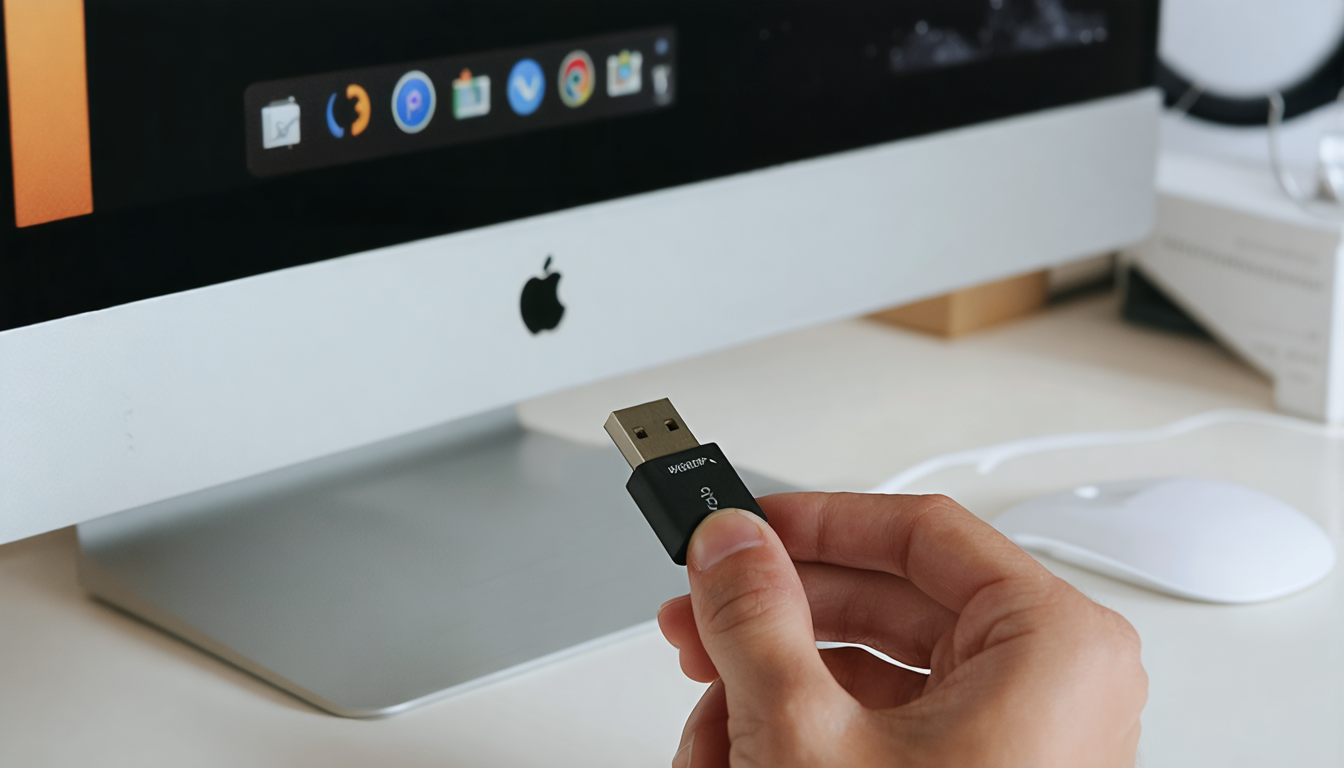
The best tips for formatting and maintaining your USB stick effectively
Formatting a USB stick is an essential operation to ensure its compatibility, optimize its performance, and solve some file-related problems. Mastering this step helps prolong the USB device’s lifespan and ensures healthy data management.
It is recommended to format the USB stick upon first use to adapt the file system to its environment (Windows, macOS, Linux). Depending on the stick’s size and usage, the chosen formatting type can affect transfer speed and reliability.
Recommended practices for successful formatting
- Back up all data beforehand as formatting deletes all content.
- Choose the appropriate file system: FAT32, exFAT, or NTFS depending on needs.
- Prefer full formatting before serious first use: to detect possible physical errors.
- Use native OS tools or specialized software: for efficient management.
- Format regularly: improves file management and prevents fragmentation.
| Formatting type | Advantages | Disadvantages |
|---|---|---|
| Quick format | Fast, keeps data in free space | Does not detect physical errors |
| Full format | Checks and repairs disk, deletes everything | Long, erases all data |
Finally, regular maintenance also involves careful handling, protection against shocks, and exposure to heat or humidity. This guarantees better device durability.
USB stick and cost reduction: an economical choice for professionals
Beyond its pure portable storage function, the USB stick helps control IT budgets. It notably limits reliance on costly and environmentally unfriendly paper printing. By sharing digital documents via USB sticks, companies thus achieve significant savings while offering greater flexibility to employees.
Specialized retailers and distributors often offer bundle deals or promotions on USB sticks, making these accessories very affordable. For example, buying bulk to equip a workgroup or school is often more cost-effective than individual purchases. This volume-buying strategy fits within a responsible and pragmatic approach.
Economic advantages of the USB stick
- Reduction in printing and paper reproduction costs.
- Optimization of data exchanges on the go.
- Durable investment thanks to increased device longevity.
- Immediate availability without reliance on a network connection.
- Commercial offers advantageous for bulk purchases.
| Aspect | Economic benefits |
|---|---|
| Digital use | Savings on paper and consumables |
| Bulk purchase | Reduced unit prices, better resource management |
| Minimal maintenance | Almost zero repair costs |
In a context where cost reduction is a priority, the USB stick appears as an indispensable ally for professional structures, contributing to both performance and expense sobriety.
Environmental commitment: choosing an eco-friendly USB stick
In recent years, ecological concerns have strongly oriented purchasing decisions in the office supplies sector, including USB devices. In 2025, several manufacturers stand out by offering USB sticks made from recycled, biodegradable materials or produced through eco-responsible manufacturing processes.
This movement is part of a broader circular economy dynamic and electronic waste reduction to which consumers and businesses contribute. For example, Bureau Vallée and other retailers support this green shift by selecting certified products and raising customer awareness.
Characteristics of eco-responsible USB sticks
- Use of recycled plastics or bioplastics.
- Low carbon impact manufacturing.
- Reduced or recyclable packaging.
- Enhanced durability to prolong product life.
- Take-back and recycling programs at end of life.
| Ecological criterion | Benefit | Direct impact |
|---|---|---|
| Recycled materials | Reduction of plastic waste | Decrease in plastic pollution |
| Responsible production | Reduction of CO2 emissions | Fight against climate change |
| End-of-life recycling | Reuse of components | Less electronic waste |
Choosing an ecological USB stick remains a concrete and effective action to reconcile technology and sustainable development, an imperative for responsible companies and committed individuals.




